
Multi-Material 3D Printing: A Practical Guide for Educators, Designers, and Researchers
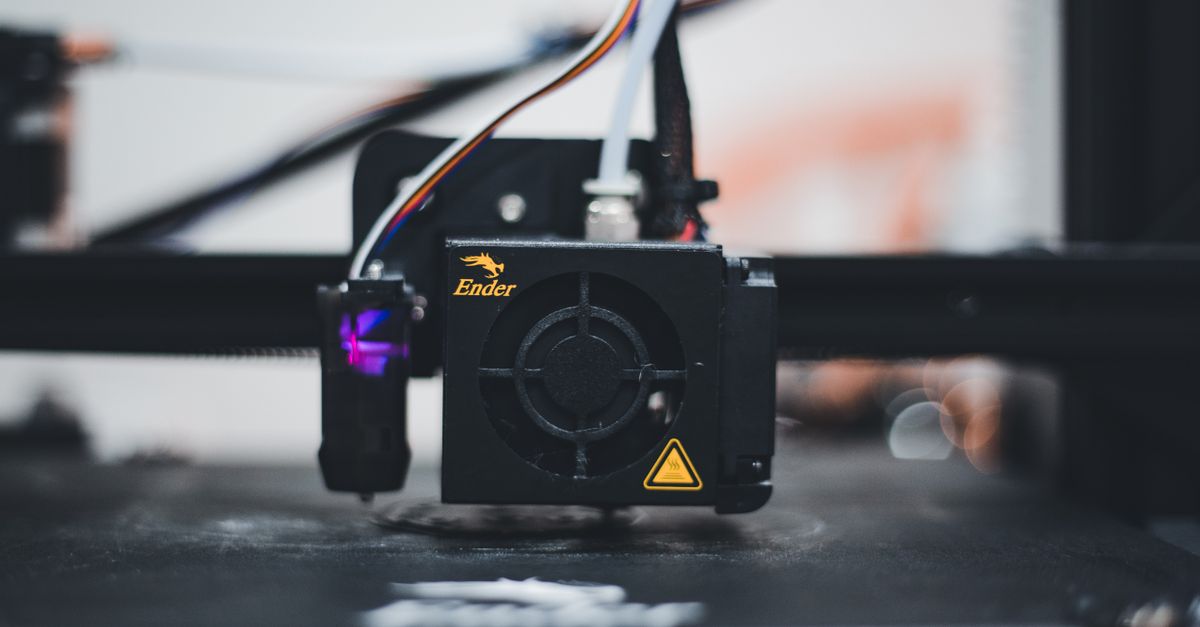
When the question arises—“Which multi-material 3D printer should I buy for my classroom, studio, or lab?”—the answer isn’t a simple yes or no. It’s a nuanced decision that hinges on material performance, cost, ease of use, and how well each option fits your specific workflow.
1. Understanding Multi-Material 3D Printing
Multi-material 3D printing refers to the ability of a single machine to deposit more than one type of filament or resin during a print job. Unlike single-material printers that switch between different builds, multi-material devices can layer composites, combine flexible and rigid parts, and even embed conductive traces—all in one go.
This technology unlocks new design possibilities: a prototype with soft grips, a test sample featuring both high-strength cores and translucent skins, or an educational kit where students see the contrast between materials in real time.
Key Features to Look For
- Dual or multi extruders (3–5)
- Independent temperature control for each nozzle
- Advanced filament detection and bed leveling
- Software support for material blending and color transitions
- Robust calibration routines to minimize layer adhesion issues
When you compare printers, start with these core capabilities before diving into brand names.
Additionally, look for firmware that supports custom material profiles and offers real‑time monitoring of extrusion rates. A well-integrated control panel can save countless hours troubleshooting subtle print failures that arise when two materials interact.
2. Material Choices by Use Case
The right filament or resin can make the difference between a project that flies and one that flops. Below is a quick snapshot of what works best in each domain.
For Education
Students benefit from materials that are safe, low-cost, and forgiving to print errors. PLA remains king for its ease of use and eco-friendliness, while PETG adds durability without sacrificing safety.
Top Educational Materials
- PLA (Standard & Color)
- PETG (Strength + Transparency)
- Wood-filled filaments (for tactile learning)
- Eco-friendly recycled PLA
- Low-temperature TPU for flexible projects
When choosing educational materials, keep in mind that many schools prefer low‑smoke options and provide a simple color palette to avoid confusion. A short test print before the class can reveal bed adhesion issues early.
For Design and Prototyping
Designers crave surface finish, color depth, and structural integrity. Combining a rigid base with a translucent or metallic shell is common practice.
Top Designer Materials
- Nylon 12 (flexibility + strength)
- ABS (high impact resistance)
- Composite filaments (carbon fiber-infused)
- Flexible TPU for ergonomic grips
- Resin with high gloss finish (for photorealistic models)
Designers often layer color transitions to emphasize functional zones. Post‑processing steps such as sanding or acetone vapor smoothing can dramatically improve the appearance of ABS and resin prints.
For Research and Testing
Research labs need precise material properties—thermal stability, chemical resistance, or electrical conductivity. Multi-material setups allow embedding sensors or creating graded structures.
Top Research Materials
- PPSU (high heat + chemical resistance)
- Polycarbonate (mechanical strength + transparency)
- Conductive filaments (embedding circuits)
- Biocompatible resins (for medical prototypes)
- Composite blends for gradient stiffness
In research, the ability to print a single part with both rigid and flexible sections can reduce assembly time by eliminating fasteners or adhesive layers.
Choosing the right material for your specific application is more critical than picking a high-end printer. A cheap machine with poor material handling can cost you time and money.3. Printer Comparisons: 2026 Market Leaders
The market has narrowed to three standout printers that balance performance, price, and support.
A. Ultimaker S5 Pro+ (Multi-Material)
This printer offers dual extrusion with independent temperature control, a large build volume, and excellent community support. It’s ideal for educators who need reliability and simple software integration.
Pros & Cons
- Pros: Dual extruder, robust build plate, user-friendly interface, extensive material compatibility
- Cons: Higher upfront cost (~$3,500), limited to 5 extruders max
B. Prusa XL (Dual Extrusion)
Prusa’s latest XL model brings an impressive build volume and low operating costs. It supports up to four extruders, making it a flexible choice for designers needing more material options.
Pros & Cons
- Pros: Affordable (~$2,200), modular design, strong community support, open-source firmware
- Cons: Requires manual calibration for multi-material jobs
C. Formlabs 3D‑Pro (Resin-Based Multi-Material)
This resin printer can switch between two resins during a print, enabling high-resolution prototypes with both rigid and flexible sections.
Pros & Cons
- Pros: Ultra-fine detail (~25 µm), excellent surface finish, easy resin handling system
- Cons: Resin safety precautions required, higher consumable cost (~$1.50 per 10 ml)
When deciding, match the printer’s capabilities to your primary material needs and budget.
Users often report that the Prusa XL’s open-source firmware allows them to script custom material swaps, while the Ultimaker’s integrated software streamlines batch processing for classroom projects. The Formlabs 3D‑Pro shines in academic research where micro-scale fidelity is essential.
4. Cost & ROI Analysis
Beyond the sticker price, total cost of ownership (TCO) can tilt the balance in favor of a lower-cost machine if consumables or maintenance are cheaper.
TCO Breakdown (per month)
- Printer depreciation: $X
- Filament/resin consumption: $Y
- Maintenance & repairs: $Z
- Energy usage: $W
For example, a classroom might spend $300 on filament per month but save $200 in reduced labor by automating print jobs. In contrast, a research lab may justify a higher printer price if it reduces experimental iteration time by 50%.
When calculating ROI, factor in the longevity of consumables and potential savings from shared print services. A device that supports a wide range of materials can reduce the need for multiple machines, lowering both space and energy footprints.
5. Common Pitfalls and Mitigation Strategies
Even seasoned users fall into traps that can derail projects.
Top Mistakes to Avoid
- Ignoring bed leveling before multi-material prints
- Using incompatible filaments (e.g., mixing nylon with PLA)
- Neglecting nozzle cleaning between material switches
- Overlooking software calibration for color transitions
- Underestimating support structures for overhangs in flexible sections
Implement a checklist before every print: verify extruder temperatures, run a single-material test, and ensure the printer firmware is up to date.
Additional best practices include setting a “clean‑first” routine where you purge each nozzle with a neutral material before switching, and routinely inspecting filament spools for moisture content to prevent clogging.
6. Integrating Multi-Material Printing into Workflow
The real value of multi-material printing emerges when it meshes smoothly with your daily processes.
For Educators
Set up a “Print Lab” day where students can submit STL files, select material pairs, and receive printed prototypes within 24 hours. Use the printer’s API to automate queue management.
For Designers
Create a design library that tags each part with recommended materials. Leverage layer-by-layer color changes to highlight structural differences in presentations.
For Researchers
Embed sensor filaments into test specimens and use the printer’s ability to switch between conductive and non-conductive materials for real-time data logging.
In my experience, setting up a shared folder with pre-approved material profiles saves hours each week. The students get instant feedback on printability, while I avoid the headache of manual calibrations.Workflow automation can be extended by integrating slicer plugins that auto-generate support structures tailored to specific material blends, reducing post‑processing time across all departments.
7. Future Outlook: 2026 and Beyond
The trend is toward seamless material blending—think printers that can deposit two filaments with sub-millimeter precision—and AI-driven error detection to preempt failures. Expect more affordable resin systems capable of multi-material prints, expanding the high-detail frontier for both education and research.
Emerging materials such as bioresin composites and conductive polymers will broaden application spaces into bioprinting, wearable electronics, and adaptive architecture. Coupled with cloud-based collaboration tools, teams can iterate designs in real time without leaving their desks.
What are your biggest challenges when selecting a multi-material printer for your projects?


