
Is Large Format 3D Printing Worth the Investment for My Business?
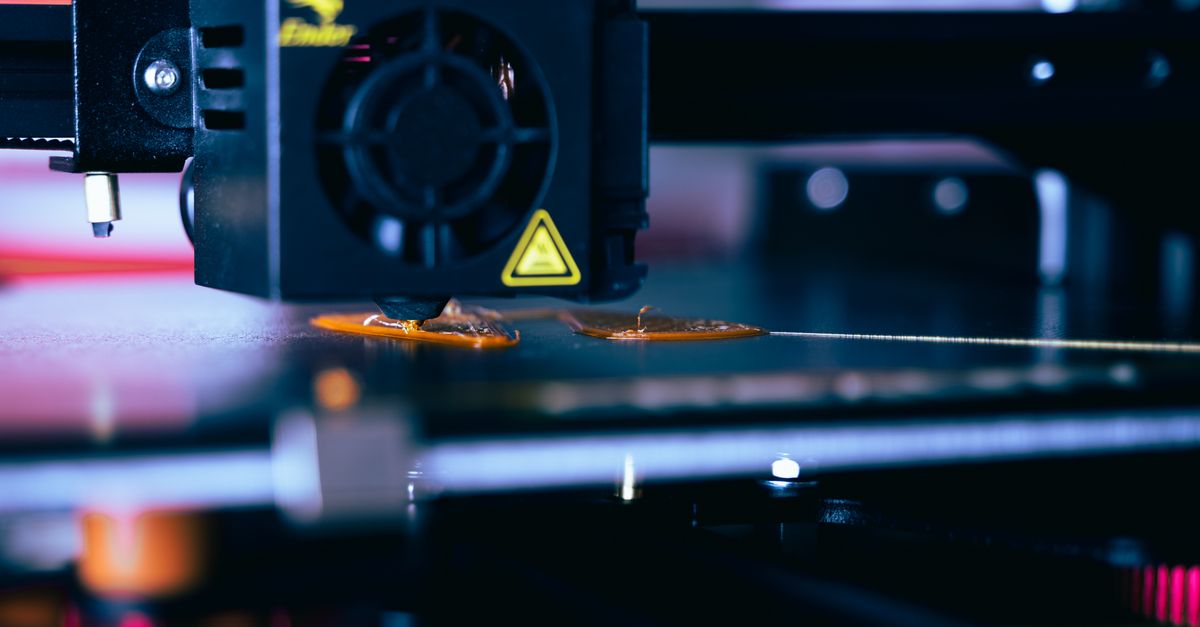
When I first saw a prototype printed in one piece, the scale and detail blew me away. It made me ask myself if large format 3D printing is actually worth the capital outlay compared to small‑scale or on‑demand options. This review breaks down what large format machines can deliver, how they stack against high‑resolution, custom additive manufacturing, hobbyist solutions, and on‑demand services, so you can decide without guessing.
What Exactly Is Large Format 3D Printing?
Large format 3D printing refers to printers that handle build volumes larger than the typical consumer or professional desktop models. Think beds that extend beyond 30 cm in width, height, and depth—often 60–120 cm per side. These machines use fused deposition modeling (FDM), stereolithography (SLA), or polyjet technology scaled up for bigger parts.
Key Features to Look For
- Build volume ≥30 × 30 × 30 cm
- Layer resolution 50–200 µm
- Material compatibility: PLA, ABS, PETG, nylon, TPU, composites
- Enclosed build chamber for temperature control
- Remote monitoring and firmware updates
- Integrated support generation and removal tools
- Warranty and service network coverage
- Software ecosystem (slicing, mesh repair, cloud integration)
- Power consumption < 2000 W during operation
- Noise level ≤70 dB for office environments
Large format printers are engineered to maintain dimensional accuracy over larger prints, which is critical when the part’s function depends on precise geometry.
High‑Resolution 3D Printing vs. Large Format Capabilities
High‑resolution printing focuses on fine detail rather than size. SLA and polyjet machines can achieve layer heights as low as 25 µm, producing smooth surfaces ideal for prototypes or jewelry. However, their build volumes are often limited to a few cubic centimeters.
When Resolution Matters More Than Size
- Micro‑components with tight tolerances
- Medical models requiring surface finish (e.g., dental crowns)
- Fine art or jewelry prototypes
- Engineering parts where surface roughness affects performance
The trade‑off is speed and cost. High‑resolution printers are slower per part and more expensive per cubic centimeter of material used. Large format machines sacrifice some resolution for the ability to produce functional, full‑scale prototypes in a single print.
Custom Additive Manufacturing: Business‑Grade Solutions
Custom additive manufacturing (CAM) refers to tailored production runs—often from a few units up to thousands—using 3D printing as a core process. Companies like Stratasys and HP offer enterprise systems that integrate with CAD workflows, quality control, and supply chain management.
Benefits of CAM for Product Development
- Rapid iteration cycles: design → print → test in days instead of weeks
- On‑site prototyping reduces shipping time and cost
- Ability to fabricate complex geometries impossible with subtractive methods
- Material libraries include high‑performance polymers, composites, and metal‑filled filaments
- Scalable: move from a single prototype to small production runs without changing the process
- Embedded quality assurance through automated inspection software
For startups or scaling businesses, CAM can lower time‑to‑market and reduce inventory risk. The upfront investment is higher than hobbyist machines but amortizes quickly when you hit repeat orders.
3D Printing for Hobbyists: Entry‑Level Options
Hobbyists usually start with desktop FDM printers, which are affordable (<$500) and easy to use. They’re suitable for small parts, educational projects, or personal art. However, they fall short when you need large functional prototypes.
Typical Hobbyist Printer Specs
- Build volume <20 × 20 × 20 cm
- Layer resolution 200–300 µm
- Single extruder, basic material options (PLA/ABS)
- No enclosure or automated leveling
- Limited software support; many rely on community slicers like Cura
While hobbyists can experiment with design and learn the fundamentals, the performance ceiling is low for commercial or engineering projects.
On‑Demand 3D Printing Services: When Outsourcing Makes Sense
On‑demand services (e.g., Shapeways, Sculpteo) let you upload STL files and receive a finished part in days. They provide access to high-end machines without owning them.
Choosing an On‑Demand Provider
- Material range: plastics, resins, metal alloys, ceramics
- Finish options: matte, glossy, post‑processing services
- Lead time and shipping speed
- Pricing structure (per part vs. subscription)
- Quality guarantees and return policies
- Integration with CAD software for direct uploads
- Data security and IP protection measures
- Customer support responsiveness
On‑demand is ideal for one‑off prototypes, small batch orders, or when you lack the budget for a large format machine. However, shipping costs can erode cost savings for heavy parts.
Cost Analysis: Capital vs. Operational Expenditure
The decision hinges on total cost of ownership (TCO). Large format printers often start at $15,000–$40,000. Operating costs include filament (~$0.10–$0.30 per gram), maintenance, and energy consumption (~$0.12/kWh).
Break‑Even Calculation Example
If a printer prints 5 kg of part per week at $25/kg material cost, that’s $125 weekly. Add $20 for electricity and $10 for maintenance—totaling $155/week. To recover a $30,000 investment in two years (~104 weeks), you need to generate $2880 weekly revenue from printed parts or services.
Hobbyist printers are cheaper upfront but limit volume; on‑demand services eliminate capital costs but charge per part plus shipping. Custom additive manufacturing solutions can spread the cost across multiple customers if you set up a service business.
Material Selection: Matching Performance to Purpose
Choosing the right filament or resin is crucial for functional parts. Large format printers support composites (carbon fiber, glass fiber) that add stiffness and reduce warping but increase nozzle wear.
Common Materials and Their Use Cases
- PLA: Easy to print, biodegradable—best for prototypes.
- ABS: Higher heat resistance; requires heated bed and enclosure.
- PETG: Tough, flexible, good for mechanical parts.
- Nylon: Strong, abrasion‑resistant—ideal for gears or moving components.
- Carbon Fiber Filament: Adds rigidity; requires hardened nozzle.
- Resin (SLA): Ultra‑fine detail; limited to smaller builds unless using large SLA printers.
- Metal‑filled filaments: Provide weight and aesthetic finish but need post‑processing to remove filler.
Material choice also affects support strategy. For large prints, soluble supports (PVA) can reduce manual cleanup time.
Software Workflow: From CAD to Print
A robust workflow streamlines design iteration. I usually follow these steps:
Standard Workflow Steps
- Model Preparation: Use CAD (Fusion 360, SolidWorks) or sculpting software; repair meshes in Netfabb.
- Slicing: Configure layer height, infill, support density in slicer (e.g., Simplify3D).
- Simulation: Run print preview to catch overhangs or bridging issues.
- Export G‑code: Transfer to printer via SD card or network.
- Monitoring: Use webcam or built‑in firmware for real‑time status.
- Post‑Processing: Remove supports, sand, and finish surfaces.
For large format printers, I leverage cloud‑based slicing to handle the heavy files without taxing local resources. Automation scripts can batch‑process multiple designs when running a production run.
Troubleshooting Common Issues
Large prints introduce unique challenges: warping, layer shifting, and nozzle clogging. Here are quick fixes:
- Warpage: Use a heated bed, apply build surface adhesives (glue stick or hairspray), and consider brim/raft options.
- Layer Shifting: Tighten all screws, check belt tension, and ensure the print head moves smoothly during idle periods.
- Nozzle Clogging: Switch to a hardened nozzle if using abrasive filaments; perform regular cleaning with cold pull technique.
- Support Overload: Optimize support density; use soluble supports for complex overhangs.
- Printer Drift: Calibrate X/Y/Z axes after firmware updates or hardware changes.
Documenting each issue and resolution builds a knowledge base that saves time in future runs.
Is It Worth It? Practical Takeaways
Large format 3D printing is worthwhile when you need full‑scale, functional prototypes or short production runs that exceed desktop printers’ capabilities. If your workflow requires rapid iteration and on‑site fabrication, the upfront cost pays off through faster time‑to‑market and reduced shipping.Conversely, if you only ever print small parts or rely on external services for heavy components, a hobbyist printer or on‑demand service may be more economical. Evaluate your projected volume, material needs, and turnaround expectations before committing to a large format machine.
In my experience, the first full‑scale print I did with a 60 × 60 × 60 cm printer took about 48 hours but delivered a functional prototype that fit into our product lineup within weeks. The learning curve was steep, but the ability to iterate in house saved us roughly $12,000 in outsourced prototyping fees. What volume of prints do you anticipate per month, and how does that align with your current prototyping workflow?


